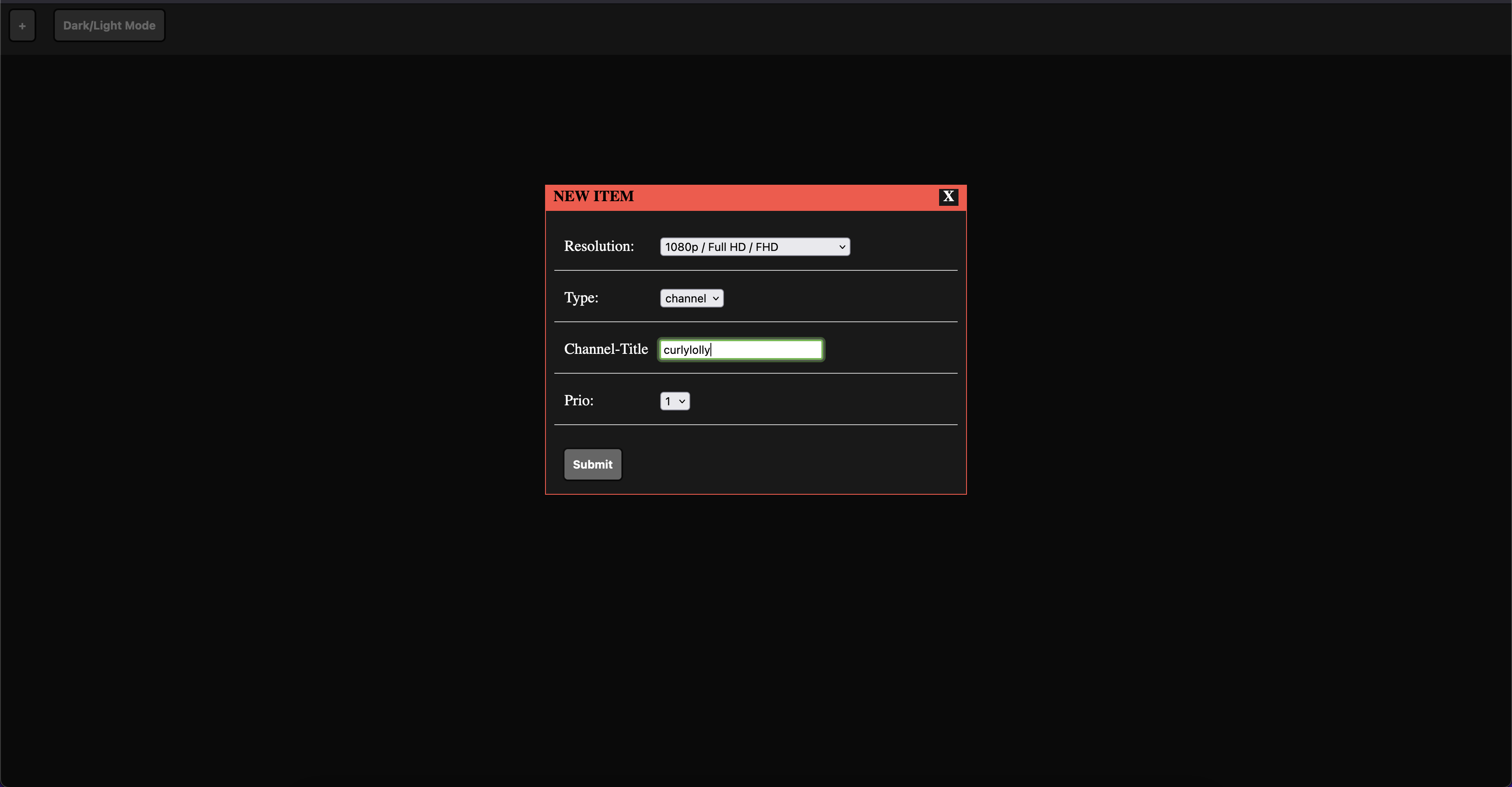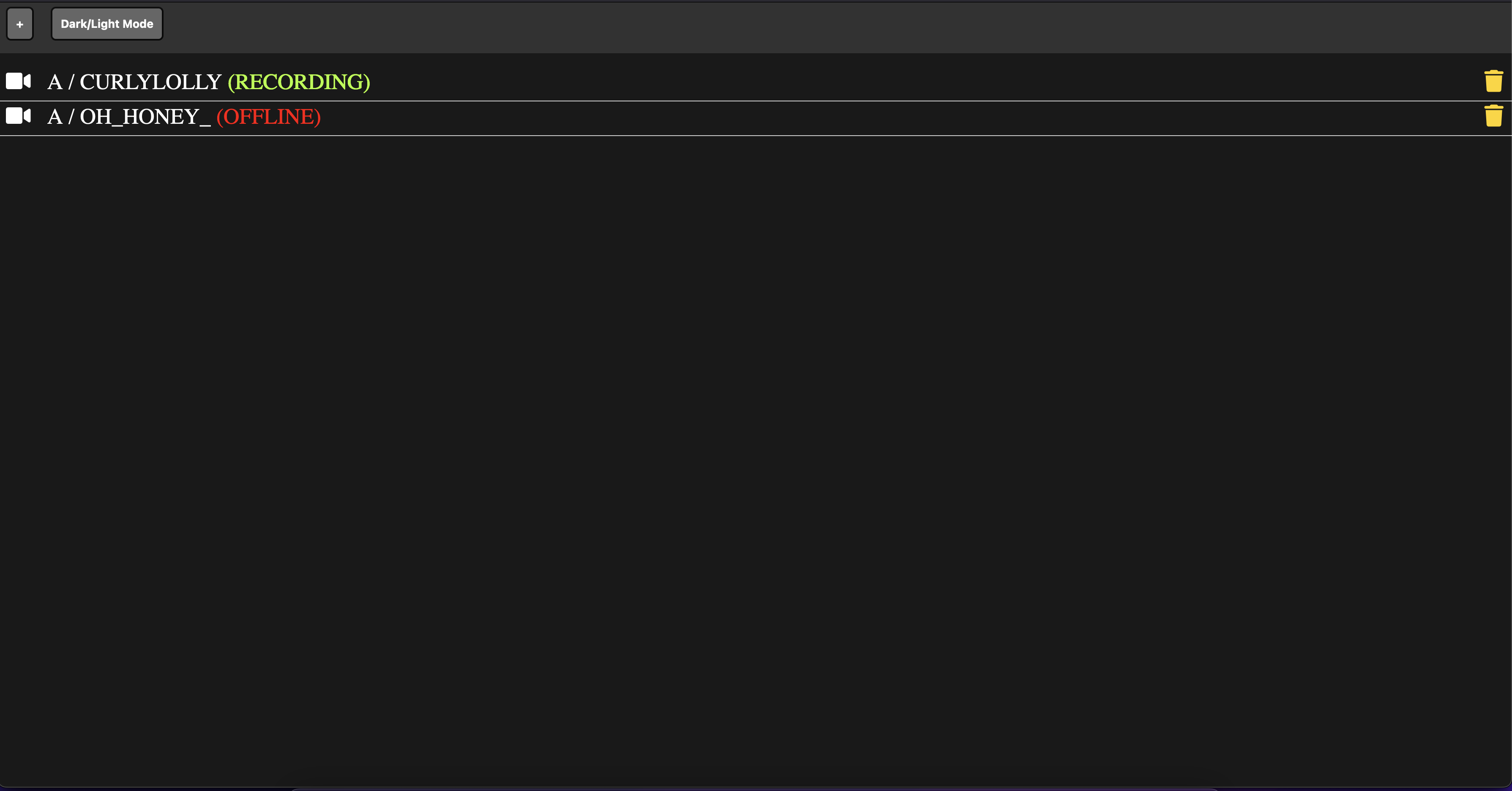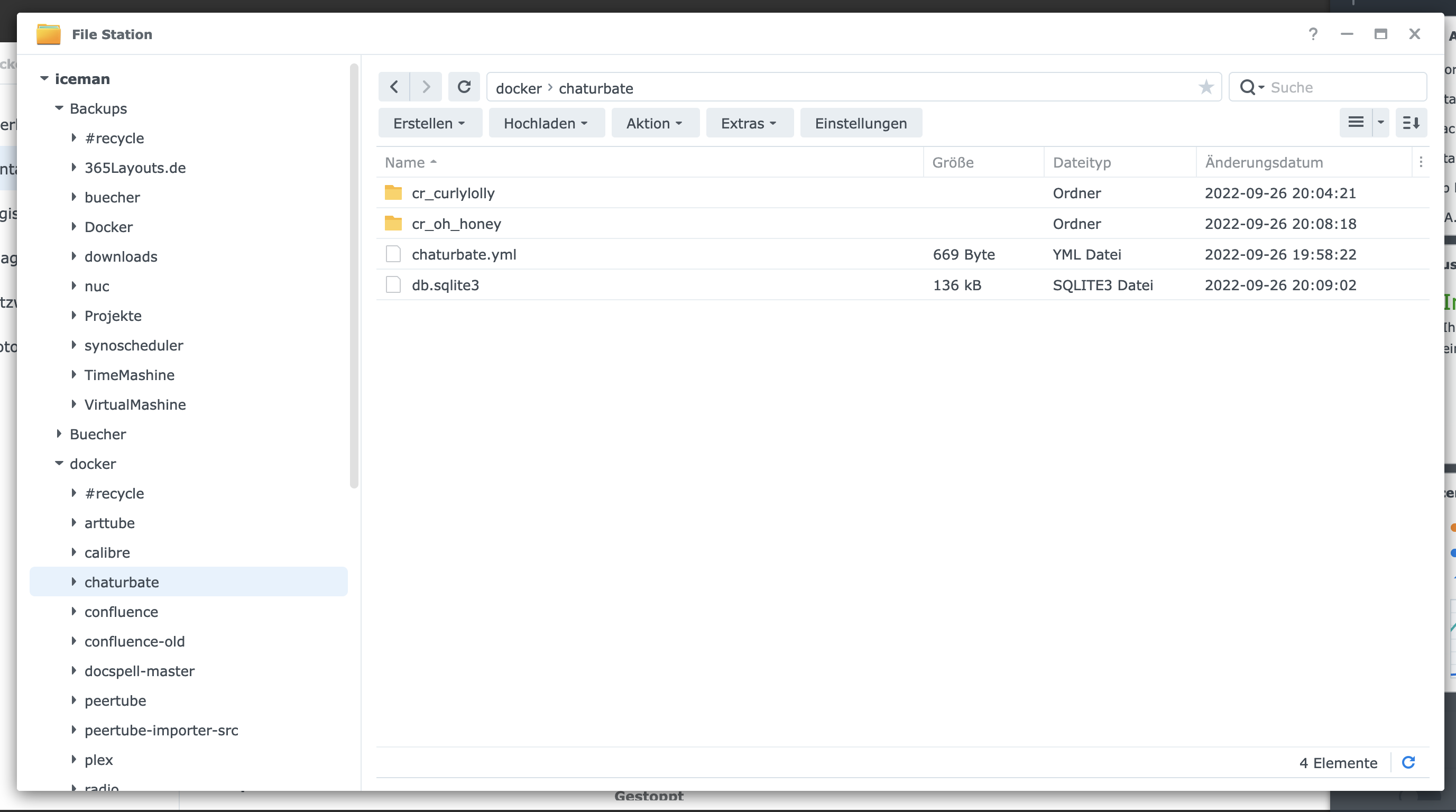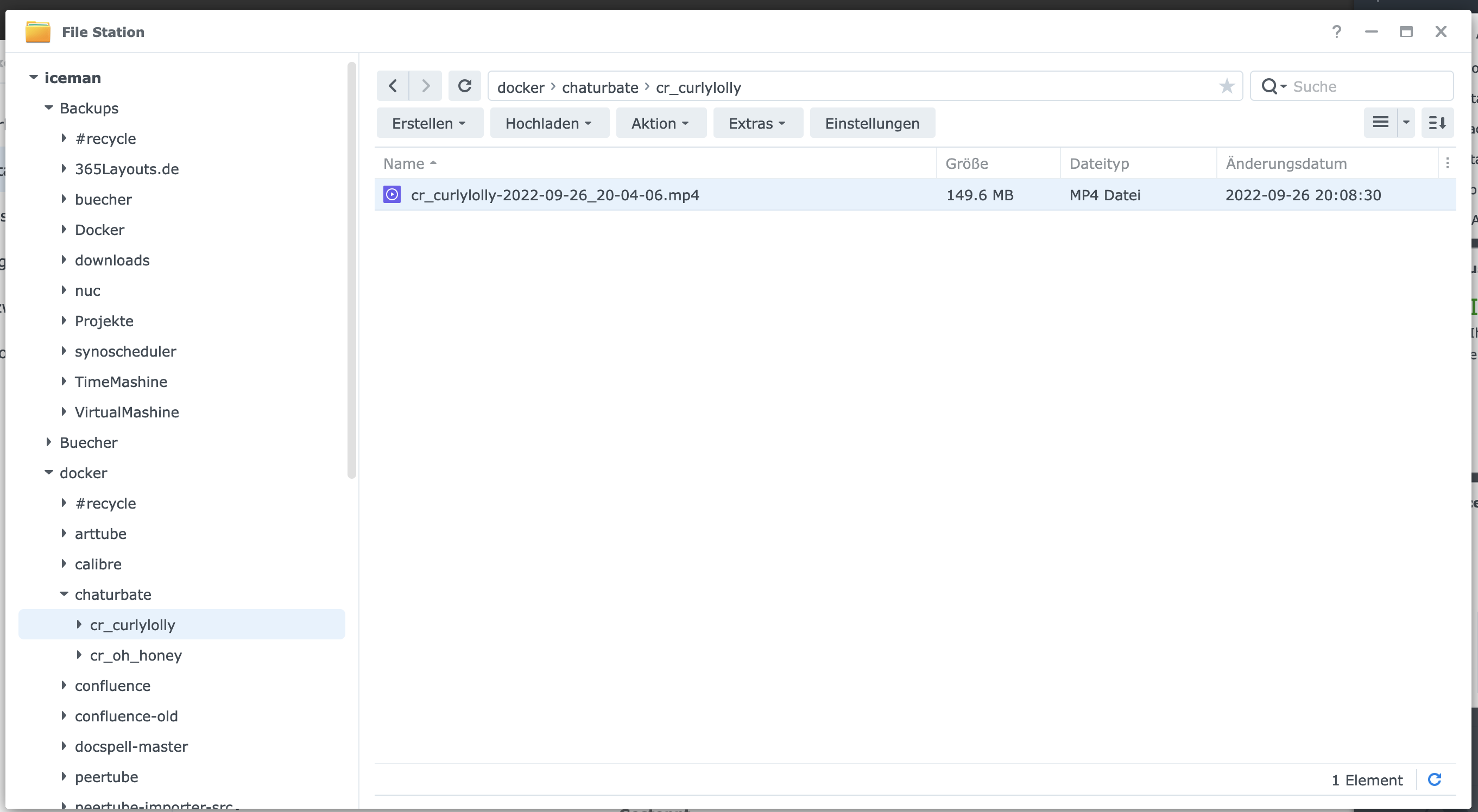
In the following tutorial, you will install the “chaturbate-downloader” as a Docker container on your Synology disk. This program can record live sessions and also search independently with filters.
Step 1: Prepare Synology
The first thing to do is to enable SSH login on Diskstation. To do this, go to the “Control Panel” > “Terminal
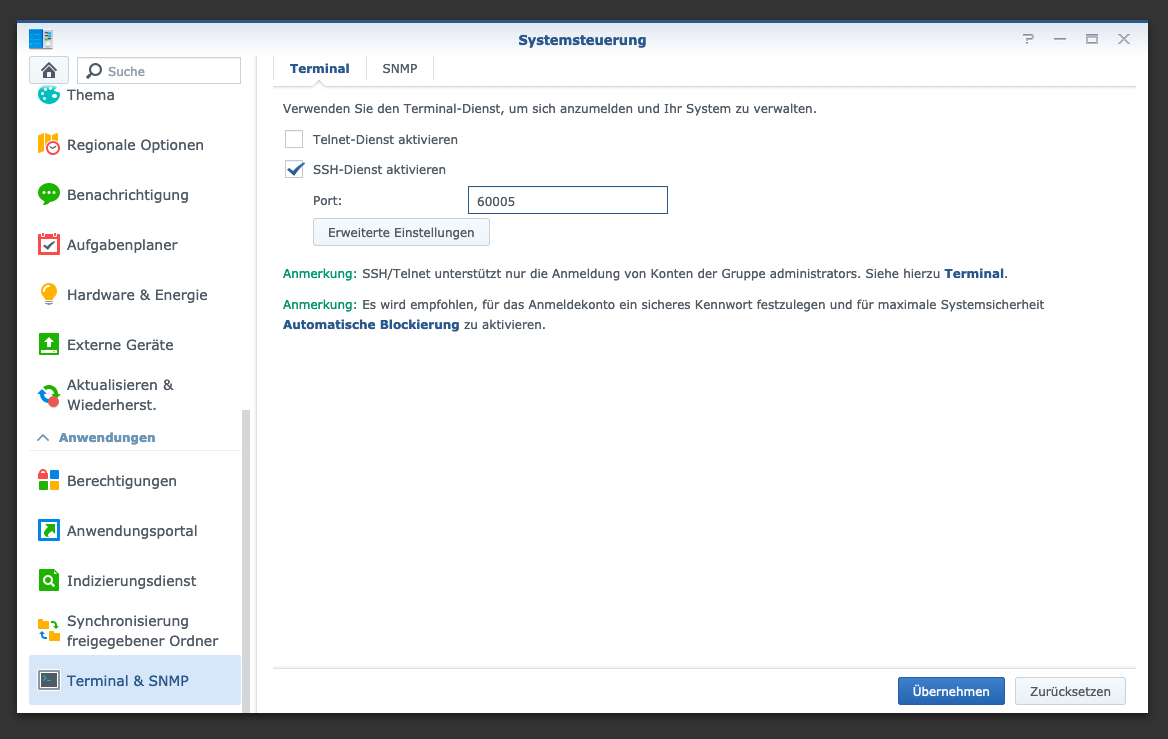
After that you can log in via “SSH”, the specified port and the administrator password (Windows users take Putty or WinSCP).
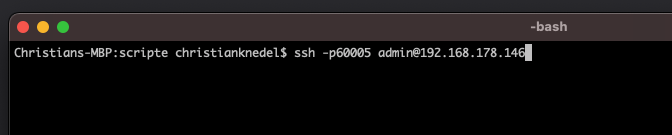
I log in via Terminal, winSCP or Putty and leave this console open for later.
Step 2: Create Chaturbate folder
I create a new folder for the chaturbate downloads. To do this, I go to “System control” -> “Shared folder” and create a new folder “chaturbate”. If there is no “Docker” folder yet, then this must also be created.
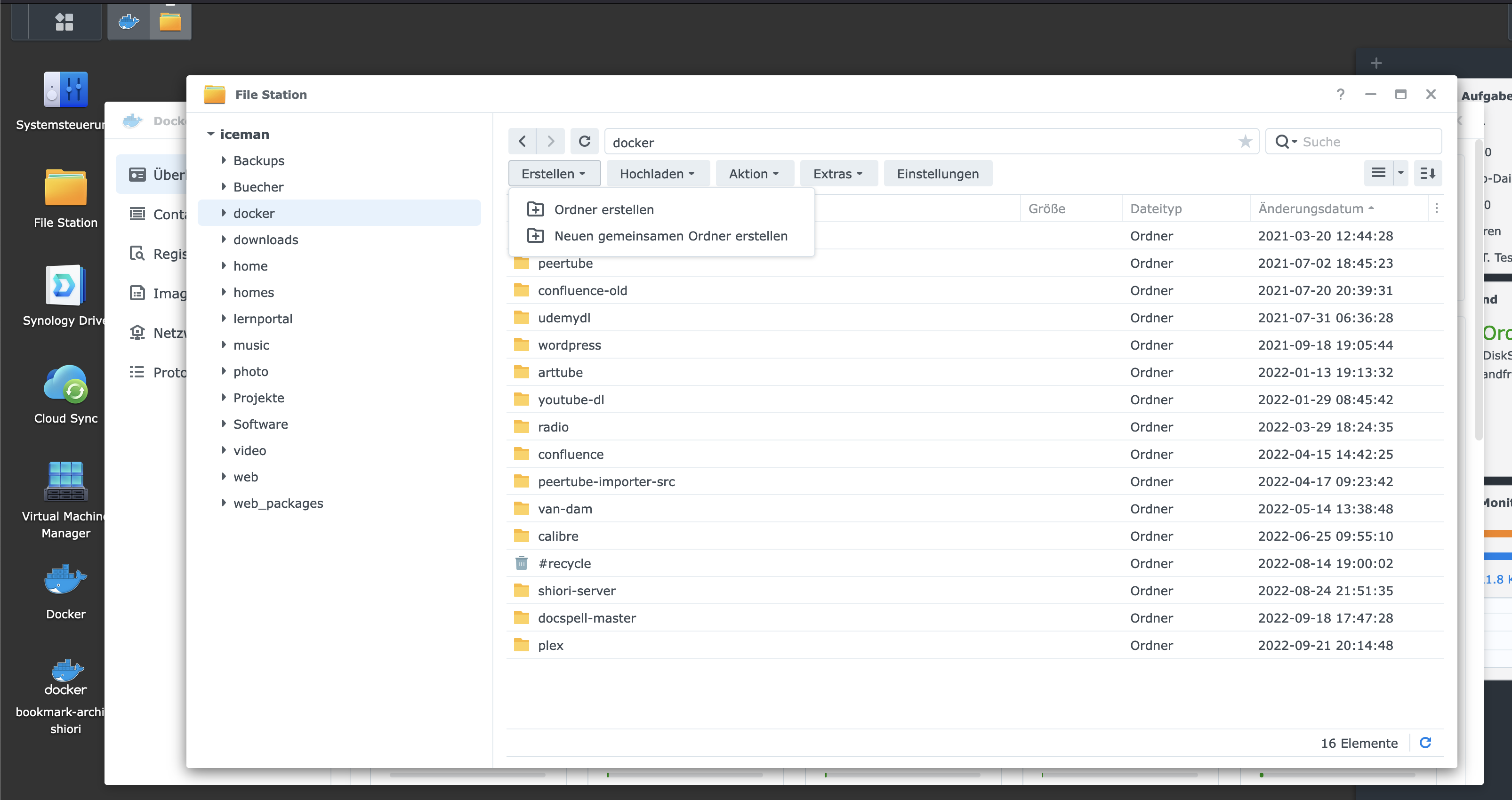
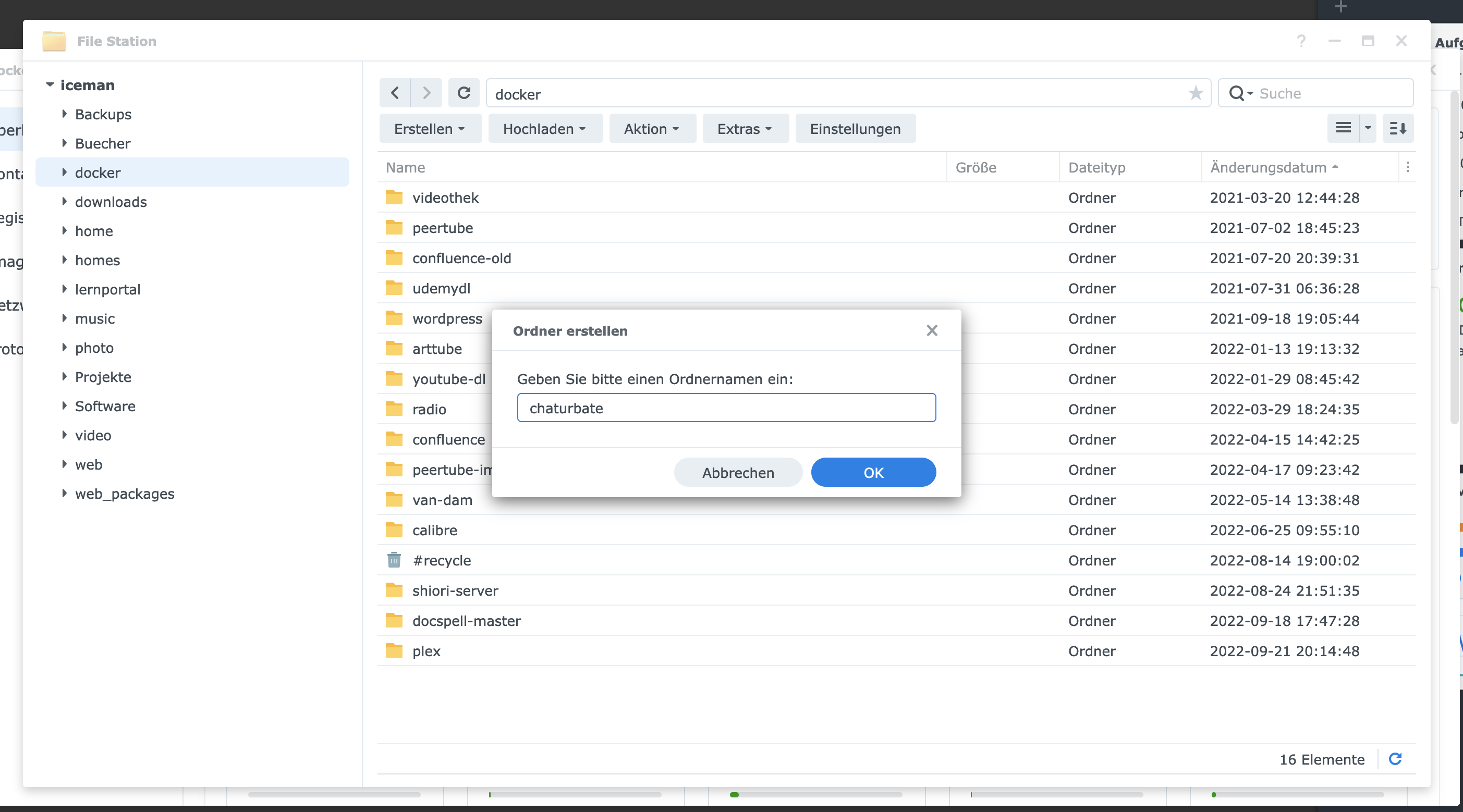
After that I change to the new directory and create a new file called “chaturbate-downloader.yml” with the following content:
version: '2'

services:
  app:
    image: chrisknedel/chaturbate-recorder-gui
    container_name: recorder_app
    restart: always
    environment:
      TZ: "Europe/Berlin"
      ABSOLUTE_HOST_MEDIA: "/volume1/docker/chaturbate/"
      LIMIT_MAXIMUM_FOLDER_GB: 20 #or "0" to disable this limit
      LIMIT_MAXIMUM_DOWNLOADS: 10 #or "0" to disable this limit
      COMMAND_ADAPTER: 'DockerAdapter'
      CONTAINER_PREFFIX: 'cr_'
      RECORDER_IMAGE: 'chrisknedel/chaturbate-recorder'
      USER_UID: 0
      USER_GID: 0
    volumes:
      - /var/run/docker.sock:/var/run/docker.sock
      - /volume1/docker/chaturbate:/code/database
    ports:
      - "8002:8000"
After launching the yml file with Docker-Compose via “docker-compose -f chaturbate-downloader.yml up -d”, you can call Chaturbate-Downloader via the given port, for example http://localhost:8002 .