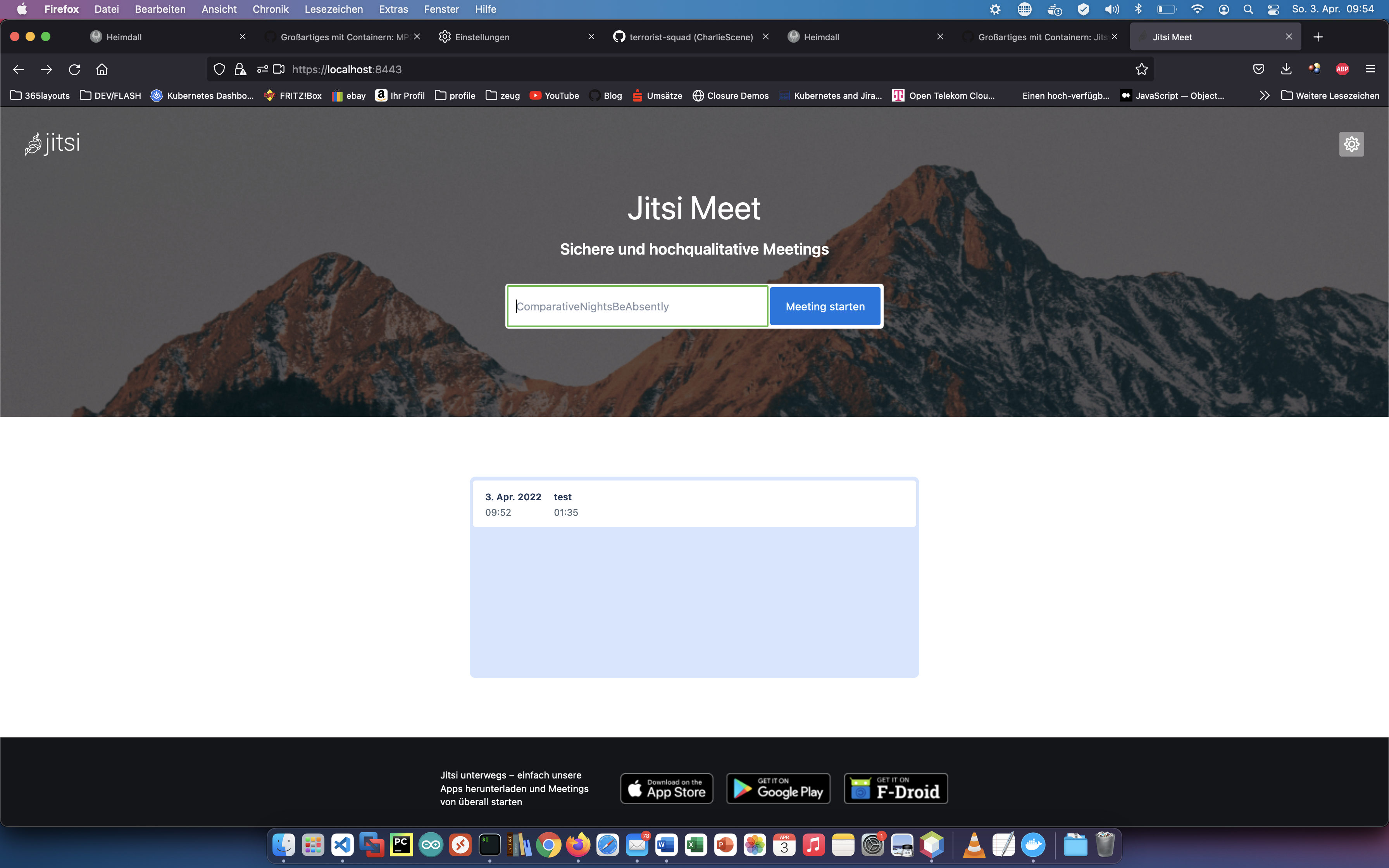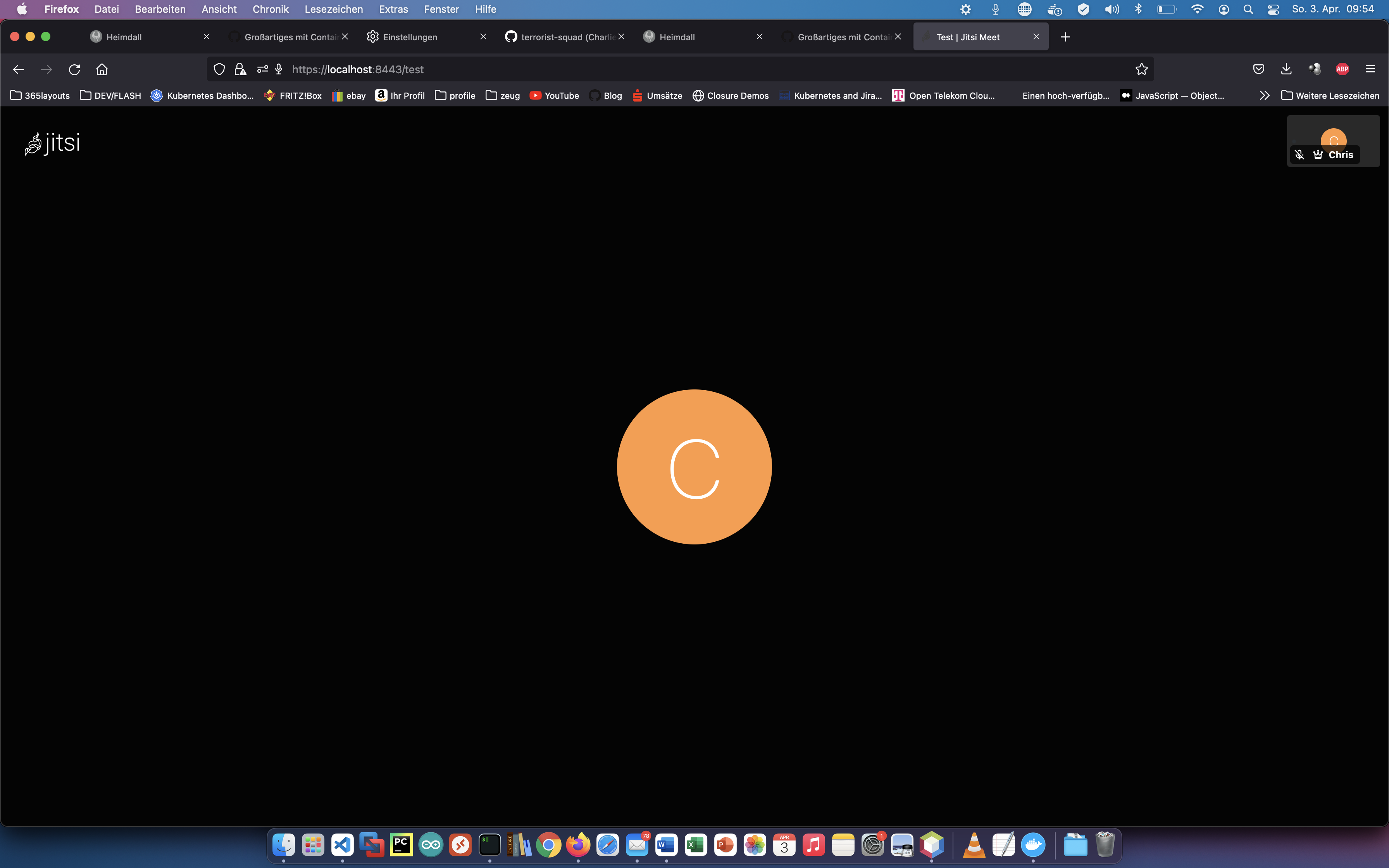
With Jitsi you can create and deploy a secure video conferencing solution. Today I show how to install a Jitsi service on a server, reference: https://jitsi.github.io/handbook/docs/devops-guide/devops-guide-docker/ .
Step 1: Create “jitsi” folder
I create a new directory called “jitsi” for the installation.
$ mkdir jitsi/
$ wget https://github.com/jitsi/docker-jitsi-meet/archive/refs/tags/stable-7001.zip
$ unzip stable-7001.zip -d jitsi/
$ rm stable-7001.zip
$ cd /docker/jitsi/docker-jitsi-meet-stable-7001
Step 2: Configuration
Now I copy the default configuration and adjust it.
$ cp env.example .env
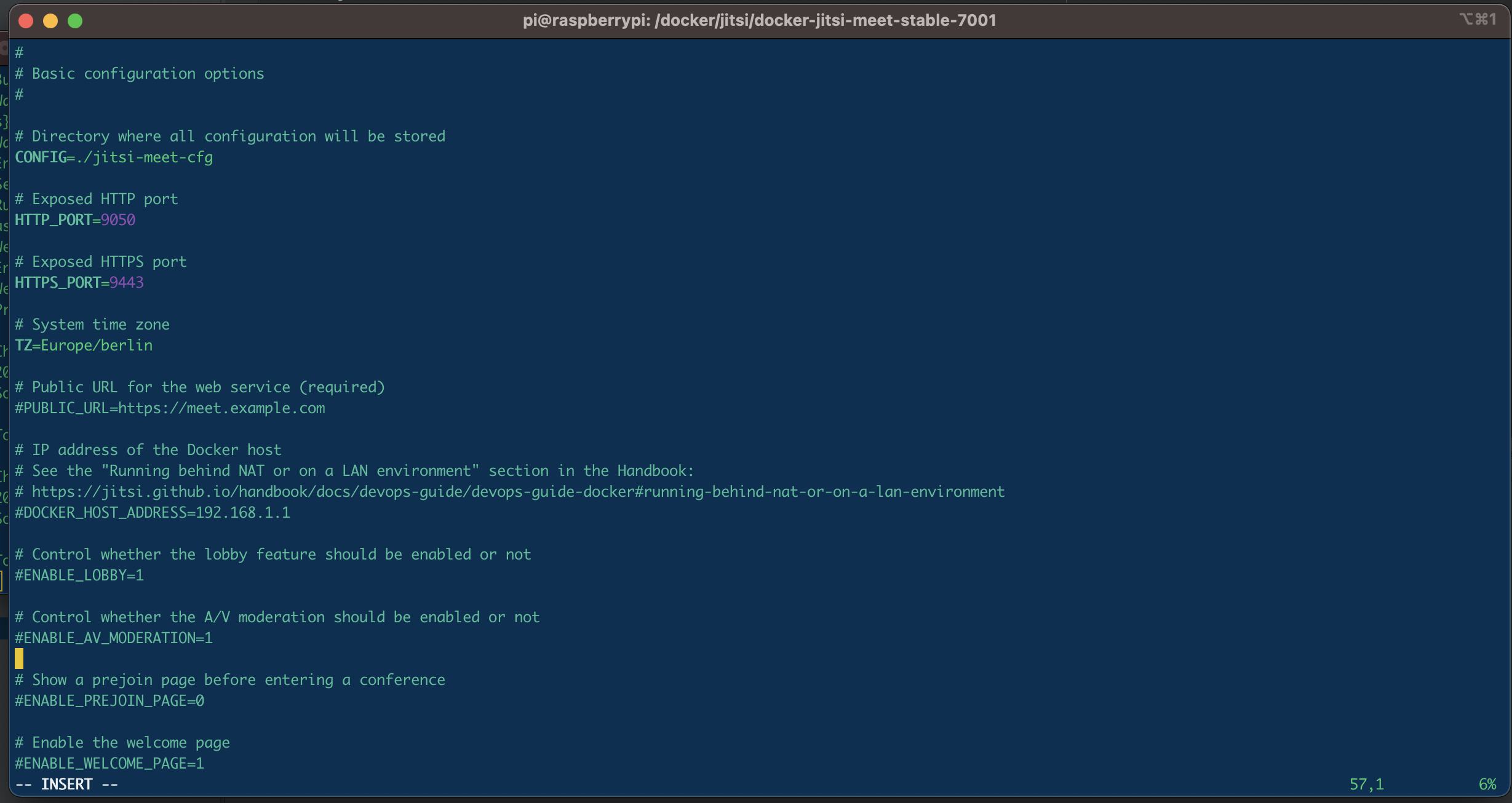
To use strong passwords in the .env file security options, the following bash script should be run once.
$ ./gen-passwords.sh
$ mkdir -p ./jitsi-meet-cfg/{web/crontabs,web/letsencrypt,transcripts,prosody/config,prosody/prosody-plugins-custom,jicofo,jvb,jigasi,jibri}
$ docker-compose up