


34
results
for Docker
-
Difficulty level: Very athletic
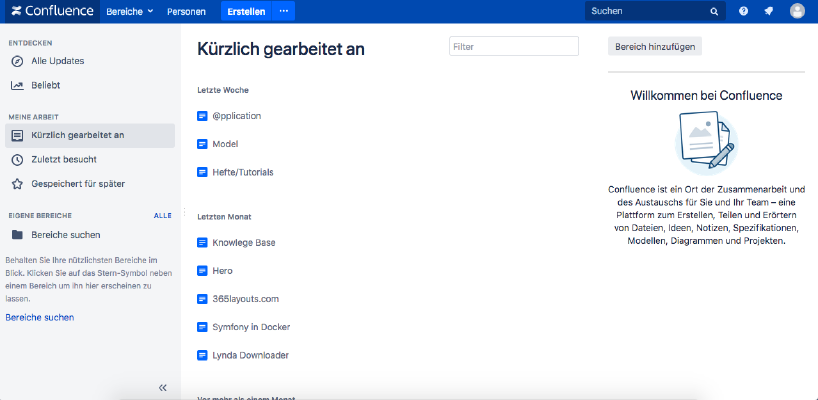 If you want to install Atlassian Confluence on a Synology NAS, then you are in the right place. Step 1 First, I open the Docker app in the Synology interface and then go to the sub-item “Registration”. There I search for “Confluence” and click on the first image “Atlassian Confluence”. Step 2 After the image download, the image is available as an image. Docker distinguishes between 2 states, container “dynamic state” and image/image (fixed state).
-
Difficulty level: Can be done by anyone
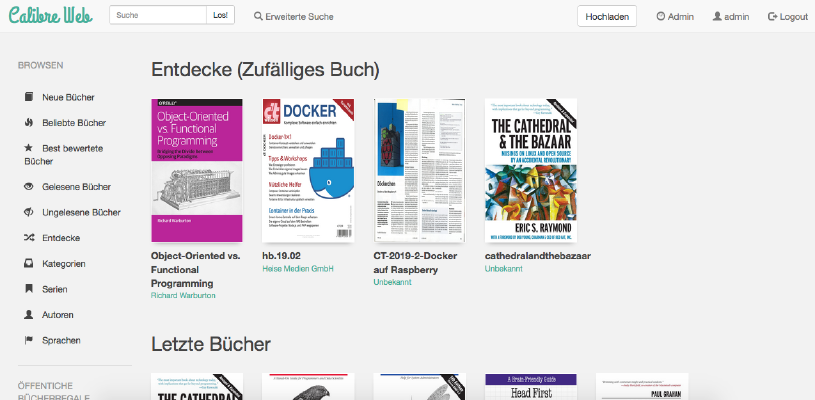 How do I install Calibre-Web as a Docker container on my Synology nas?Attention: This installation way is outdated and is not compatible with the current Calibre software. Please take a look at this new tutorial:Great things with containers: Running Calibre with Docker Compose. This tutorial is for all Synology DS professionals. Step 1: Create folder First, I create a folder for the Calibre library. I go to the “Control Panel” -> “Shared Folder” and create a new folder “Books”.
-
Difficulty level: It may take a little longer
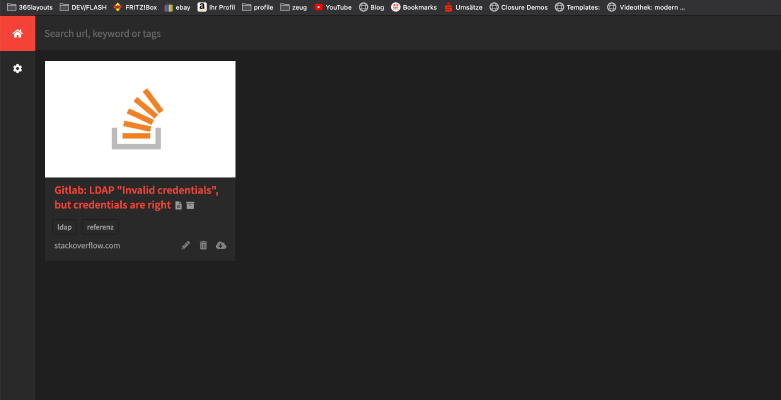 In the following tutorial, you will install yourself a private “Internet Archive” as a Docker container. All you need is this “Docker-compose” file: version: '2' services: db: image: radhifadlillah/shiori:latest container_name: bookmark-archiv-shiori volumes: - ./shiori-server:/srv/shiori ports: - "18080:8080" After launching the yml file with docker-compose via “docker-compose -f your-file.yml up -d”, you can access the local internet archive via the specified port, for example http://localhost:18080 . The default login can be found on the following website: https://github.
-
Difficulty level: Very athleticHow do I install a Gitlab runner as a Docker container on my Synology NAS? Step 1: Find Docker image I click on the “Registration” tab in the Synology Docker window and search for Gitlab. I select the Docker image “gitlab/gitlab-runner” and then select the tag “bleeding”. Step 2: Put image/image into operation: Hosts problem My synology-gitlab-insterlation always identifies itself by hostname only. Since I took the original synology-gitlab-package from the package-center, this behavior cannot be changed afterwards.