


38
results
for Synology
-
Difficulty level: Can be done by anyone
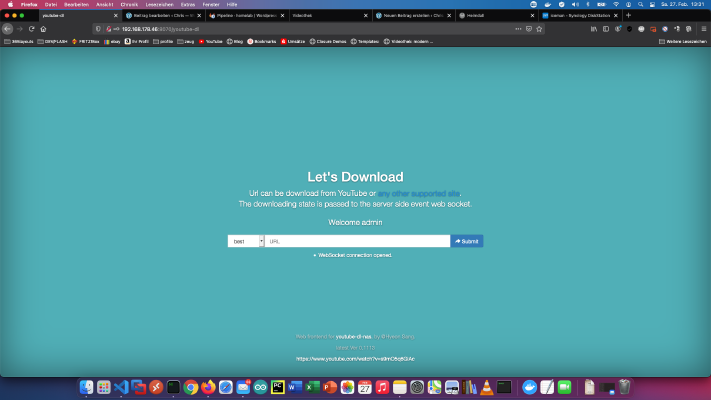 Many of my friends know that I run a private learning video portal on my Homelab - Network. I have saved video courses from past learning portal memberships and good Youtube tutorials for offline use on my NAS. Over time, I have collected 8845 video courses with 282616 individual videos. The total running time is equivalent to about 2 years. Absolutely crazy!In this tutorial I show how to backup good Youtube tutorials with a Docker download service for offline purposes.
 -
Difficulty level: It may take a little longer
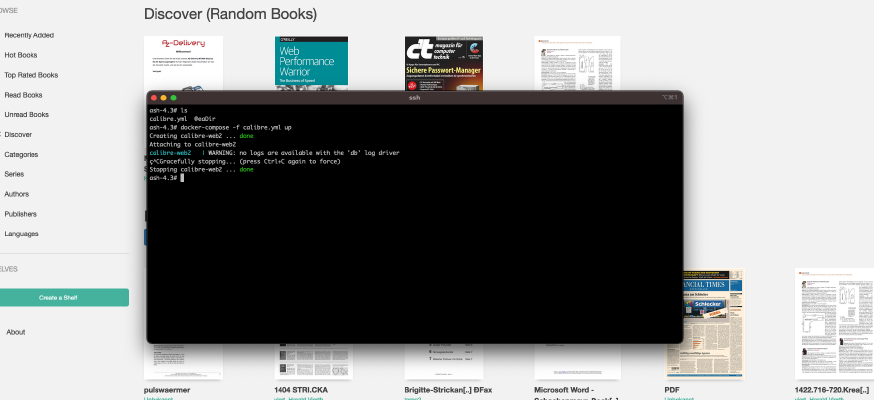 There is already a simpler tutorial on this blog: Synology-Nas: Install Calibre Web as ebook library. This tutorial is for all Synology DS professionals. Step 1: Prepare Synology The first thing to do is to enable SSH login on Diskstation. To do this, go to the “Control Panel” > “Terminal After that you can log in via “SSH”, the specified port and the administrator password (Windows users take Putty or WinSCP).
 -
Difficulty level: Can be done by anyone
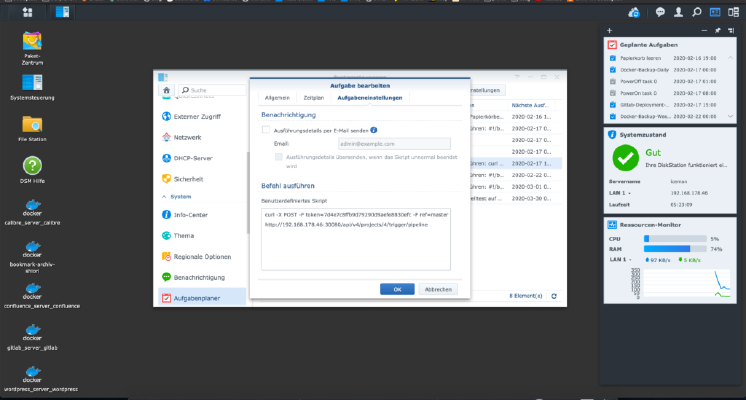 In order to trigger a Gitlab pipeline automatically, a so-called trigger must be created. You can create as many triggers as you want in the project settings. These triggers look like this. Of course, the (placeholders) must be replaced. x – + Terminal $ curl -X POST -F token=(TOKEN) -F ref=(BRANCH) http://(ip):(port)/api/v4/projects/(project-id)/trigger/pipeline This curl call can be entered into the Synology task scheduler, Done!
 -
Difficulty level: Can be done by anyoneDo you want to set automatic tasks in Synology NAS? Please click on the “Task Scheduler” in the “Control Panel”. Times and repetitions set In the “Task Scheduler” new “Tasks” can be created quasi Cronjobs. Here the times and the repetitions are set. Script Under “Task settings” the target script is deposited. In my case a zip archive is made. You should test this function once yourself.
-
Difficulty level: Very athletic
 If you want to install Atlassian Confluence on a Synology NAS, then you are in the right place. Step 1 First, I open the Docker app in the Synology interface and then go to the sub-item “Registration”. There I search for “Confluence” and click on the first image “Atlassian Confluence”. Step 2 After the image download, the image is available as an image. Docker distinguishes between 2 states, container “dynamic state” and image/image (fixed state).
 -
Difficulty level: Can be done by anyone
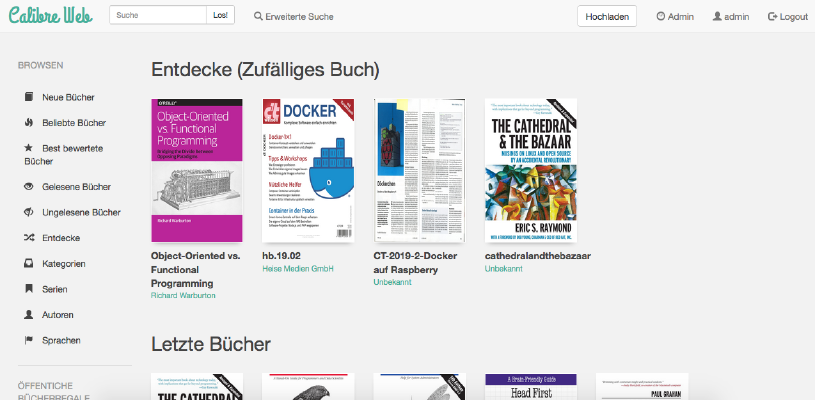 How do I install Calibre-Web as a Docker container on my Synology nas?Attention: This installation way is outdated and is not compatible with the current Calibre software. Please take a look at this new tutorial:Great things with containers: Running Calibre with Docker Compose. This tutorial is for all Synology DS professionals. Step 1: Create folder First, I create a folder for the Calibre library. I go to the “Control Panel” -> “Shared Folder” and create a new folder “Books”.
 -
Difficulty level: It may take a little longer
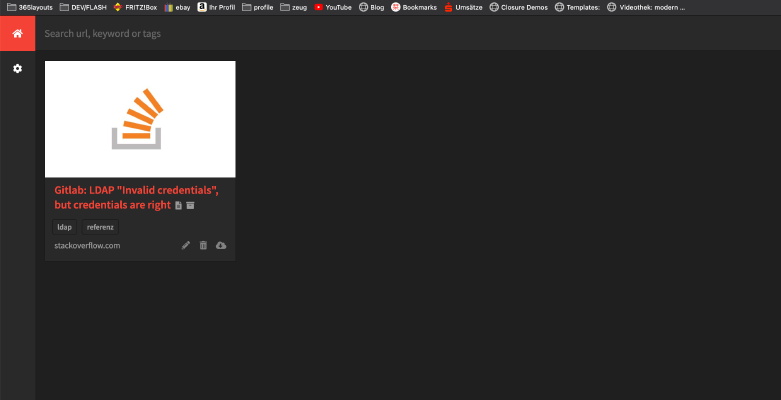 In the following tutorial, you will install yourself a private “Internet Archive” as a Docker container. All you need is this “Docker-compose” file: version: '2' services: db: image: radhifadlillah/shiori:latest container_name: bookmark-archiv-shiori volumes: - ./shiori-server:/srv/shiori ports: - "18080:8080" After launching the yml file with docker-compose via “docker-compose -f your-file.yml up -d”, you can access the local internet archive via the specified port, for example http://localhost:18080 . The default login can be found on the following website: https://github.
 -
Difficulty level: Can be done by anyoneHere I show how I installed Gitlab and a Gitlab runner on my Synology nas. First, you need to install the GitLab application as a Synology package. Search for “Gitlab” in the “Package Center” and click “Install”. The service listens on port “30000” for me. If everything worked, I call my gitlab with http://SynologyHostName:30000 and see this picture: At the first login I am asked for the future “admin” password.