


-
Difficulty level: It may take a little longer
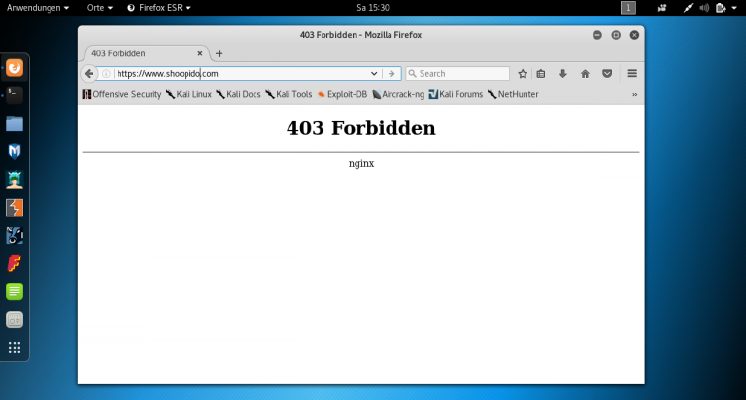 For my darknet - blocker I only need a Tor exit node IO list and the following rule: location / { limit_req zone=one; #request limit limit_conn addr include /etc/nginx/conf.d/tor-ips.conf; #tor ips blocken ... } With the following script I can create an Ip-Blacklist: IP Update Script #!/bin/sh # Copyright 2012, Nico R. Wohlgemuth <nico@lifeisabug.com> WGET=/usr/bin/wget LIST=/etc/nginx/conf.d/tor-ips.conf #ziel der blacklist LISTBAK=/etc/nginx/conf.d/tor-ips.bak TEMPLIST=/tmp/torlist.txt wget -qO- https://check.torproject.org/exit-addresses | grep ExitAddress | cut -d ' ' -f 2 | sed "s/^/deny /g; s/$/;/g" > $TEMPLIST if [ !
-
Difficulty level: It may take a little longer
 If you want to shut down a Raspberry above a certain temperature, then you are in the right place. I have a script that checks the CPU temperature via crontab: #!/bin/sh # This script reads the Broadcom SoC temperature value and shuts down if it # exceeds a particular value. # 80ºC is the maximum allowed for a Raspberry Pi. # Get the reading from the sensor and strip the non-number parts SENSOR="`/opt/vc/bin/vcgencmd measure_temp | cut -d "=" -f2 | cut -d "'" -f1`" # -gt only deals with whole numbers, so round it.
-
Difficulty level: Can be done by anyoneDo you want to set automatic tasks in Synology NAS? Please click on the “Task Scheduler” in the “Control Panel”. Times and repetitions set In the “Task Scheduler” new “Tasks” can be created quasi Cronjobs. Here the times and the repetitions are set. Script Under “Task settings” the target script is deposited. In my case a zip archive is made. You should test this function once yourself.
-
Difficulty level: Very athletic
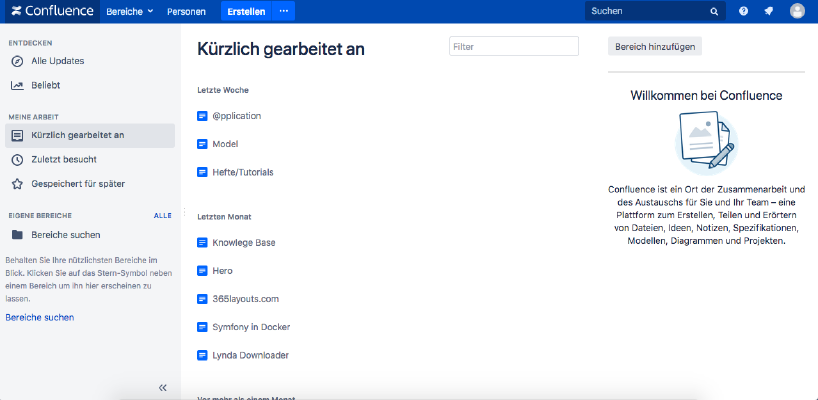 If you want to install Atlassian Confluence on a Synology NAS, then you are in the right place. Step 1 First, I open the Docker app in the Synology interface and then go to the sub-item “Registration”. There I search for “Confluence” and click on the first image “Atlassian Confluence”. Step 2 After the image download, the image is available as an image. Docker distinguishes between 2 states, container “dynamic state” and image/image (fixed state).
-
Difficulty level: Can be done by anyone
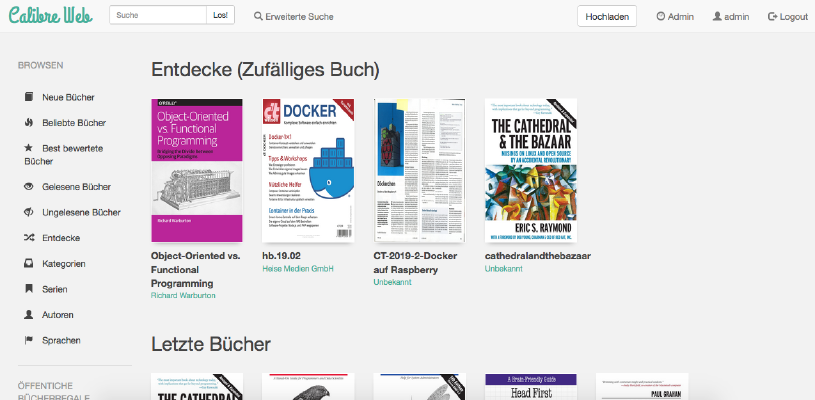 How do I install Calibre-Web as a Docker container on my Synology nas?Attention: This installation way is outdated and is not compatible with the current Calibre software. Please take a look at this new tutorial:Great things with containers: Running Calibre with Docker Compose. This tutorial is for all Synology DS professionals. Step 1: Create folder First, I create a folder for the Calibre library. I go to the “Control Panel” -> “Shared Folder” and create a new folder “Books”.
-
Difficulty level: It may take a little longer
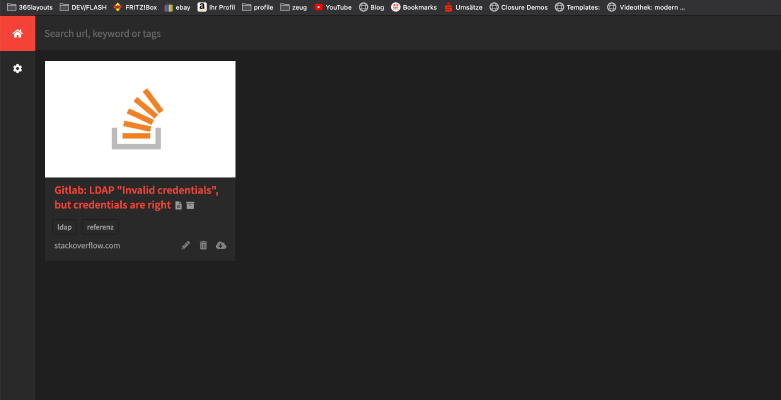 In the following tutorial, you will install yourself a private “Internet Archive” as a Docker container. All you need is this “Docker-compose” file: version: '2' services: db: image: radhifadlillah/shiori:latest container_name: bookmark-archiv-shiori volumes: - ./shiori-server:/srv/shiori ports: - "18080:8080" After launching the yml file with docker-compose via “docker-compose -f your-file.yml up -d”, you can access the local internet archive via the specified port, for example http://localhost:18080 . The default login can be found on the following website: https://github.
-
Difficulty level: Really challenging
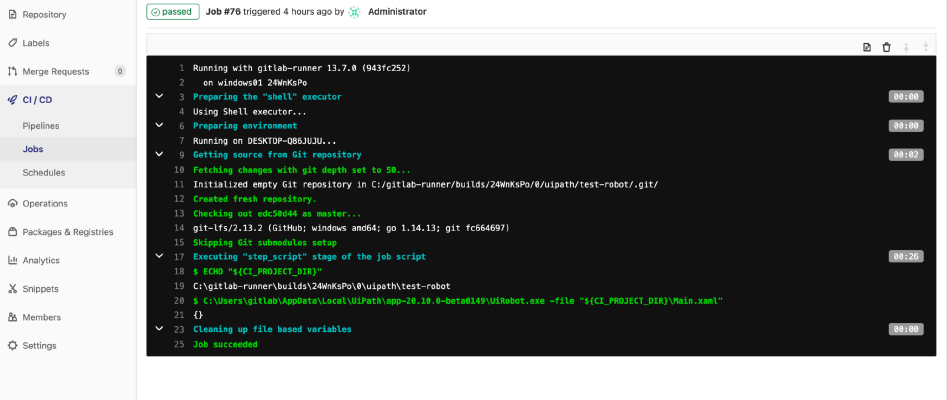 UiPath is an established standard in robotic process automation. With uiPath, you can develop a software-based robot/bot that takes care of complex data processing or click tasks for you. But can such a robot also be controlled with Gitlab?short answer “yes”. And how exactly you can see here. For the following steps you will need some uiPath, Windows and Gitlab experience in addition to administration rights. Step 1: The first thing to do is to install a Gitlab runner.
-
Difficulty level: Not too easy and not too hard
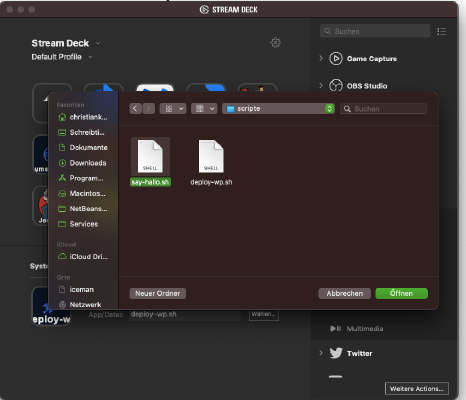 If you want to include a bash - script in the Elgato stream deck, then you need a bash script first. Step 1: Create Bash script: I create a file named “say-hallo.sh” with the following content: #!/bin/bash say "hallo" Step 2: Set rights The following command makes the file executable: x – + Terminal $ chmod 755 say-hallo.sh Step 3: Include bash script in the deck 3.
-
Difficulty level: Can be done by anyoneIf you are a 104.6 RTL fan and don’t want to spend a day without Berlin’s hit radio, then you are in the right place. You need a single board computer called Raspberry and a cable on GPIO port 4 as an antenna. The following packages are required x – + Terminal $ sudo apt-get update $ sudo apt-get upgrade $ sudo apt-get install sox libsox-fmt-all I create a download folder and download the PIFM script: x – + Terminal $ mkdir /home/pi/installs $ cd /home/pi/installs/ $ wget http://omattos.
-
Difficulty level: It may take a little longerSmartTVs can be ticking time bombs. Often, the TV operating systems contain serious gaps or are not kept up to date. A good solution can be a standalone MediaPC operating system. LibreElec runs on the weakest Raspberry and can be controlled with the TV’s remote. LibreElec is more customizable than a SmartTv operating system and offers a variety of apps/modules. All you need is a RaspberryZeroW and a blank SD card.