


-
Difficulty level: It may take a little longer
 Today I show how to install a Pihole service on the Synology disk station and connect it to the Fritzbox. Step 1: Prepare Synology The first thing to do is to enable SSH login on Diskstation. To do this, go to the “Control Panel” > “Terminal After that you can log in via “SSH”, the specified port and the administrator password (Windows users take Putty or WinSCP). I log in via Terminal, winSCP or Putty and leave this console open for later.
-
Difficulty level: It may take a little longer
 In the following tutorial, you will install the “chaturbate-downloader” as a Docker container on your Synology disk. This program can record live sessions and also search independently with filters. Step 1: Prepare Synology The first thing to do is to enable SSH login on Diskstation. To do this, go to the “Control Panel” > “Terminal After that you can log in via “SSH”, the specified port and the administrator password (Windows users take Putty or WinSCP).chaturbate Docker Internet-Archiv Synology chaturbate-downloader Created
Tue, 07 Apr 2020 00:00:00 +0000 -
Difficulty level: It may take a little longer
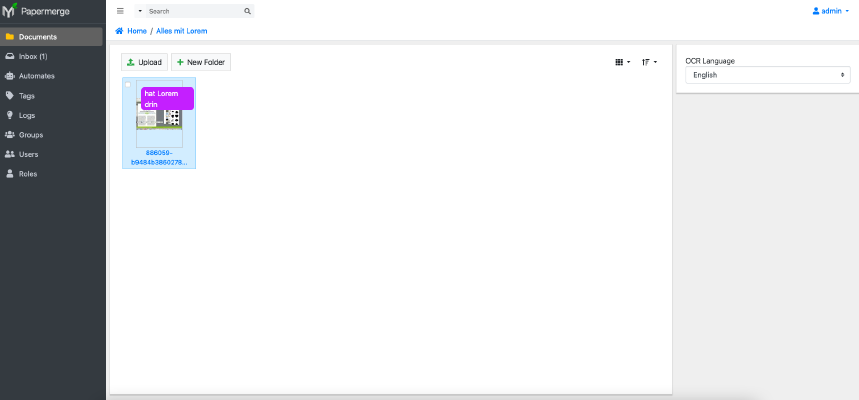 Papermerge is a young document management system (DMS) that can automatically assign and process documents. In this tutorial I show how I installed Papermerge on my Synology disk station and how the DMS works. Option for professionals Of course, as an experienced Synology user, you can log in right away with SSH and install the whole setup via Docker Compose file. version: "2.1" services: papermerge: image: ghcr.io/linuxserver/papermerge container_name: papermerge environment: - PUID=1024 - PGID=100 - TZ=Europe/Berlin volumes: - .
-
Difficulty level: Can be done by anyone
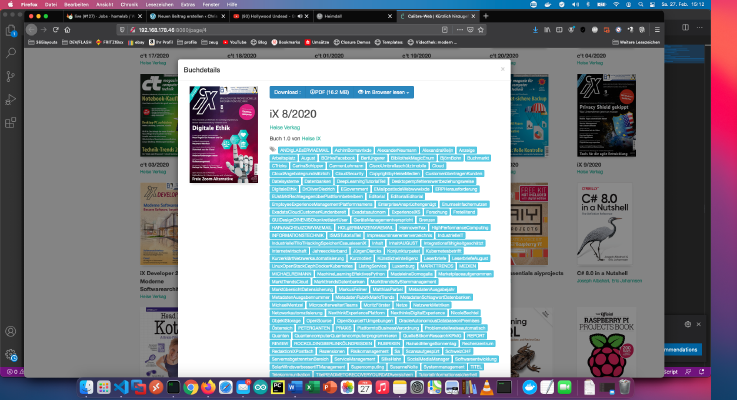 It can often be tedious to tag PDFs with the right meta info. I myself sort the downloaded PDFs from my Heise-IX subscription account, into my private Calibre library. Because this process repeats itself every month, I came up with the following setup. I just drag and drop my new PDFs into my library. I have created a container for myself that gets my Calibre library as a volume (-v …:/books).
-
Difficulty level: Can be done by anyone
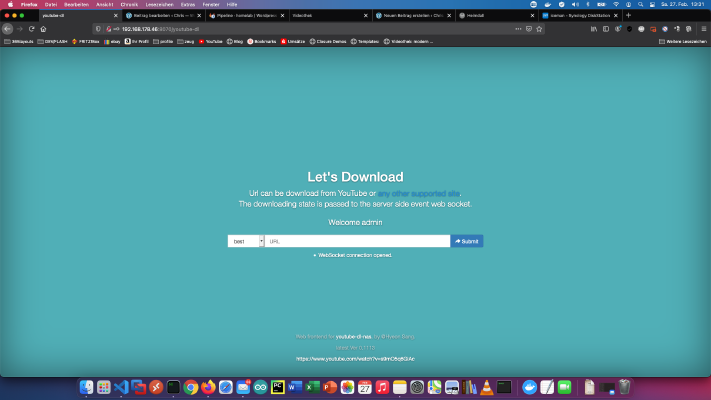 Many of my friends know that I run a private learning video portal on my Homelab - Network. I have saved video courses from past learning portal memberships and good Youtube tutorials for offline use on my NAS. Over time, I have collected 8845 video courses with 282616 individual videos. The total running time is equivalent to about 2 years. Absolutely crazy!In this tutorial I show how to backup good Youtube tutorials with a Docker download service for offline purposes.
-
Difficulty level: It may take a little longer
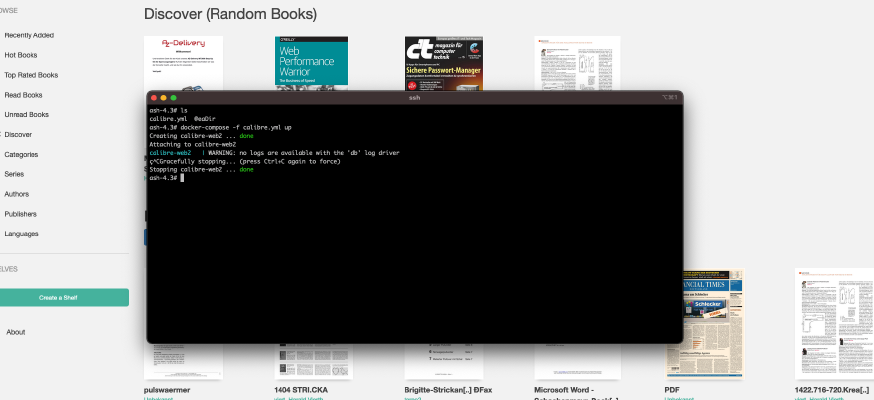 There is already a simpler tutorial on this blog: Synology-Nas: Install Calibre Web as ebook library. This tutorial is for all Synology DS professionals. Step 1: Prepare Synology The first thing to do is to enable SSH login on Diskstation. To do this, go to the “Control Panel” > “Terminal After that you can log in via “SSH”, the specified port and the administrator password (Windows users take Putty or WinSCP).
-
Difficulty level: Not too easy and not too hard
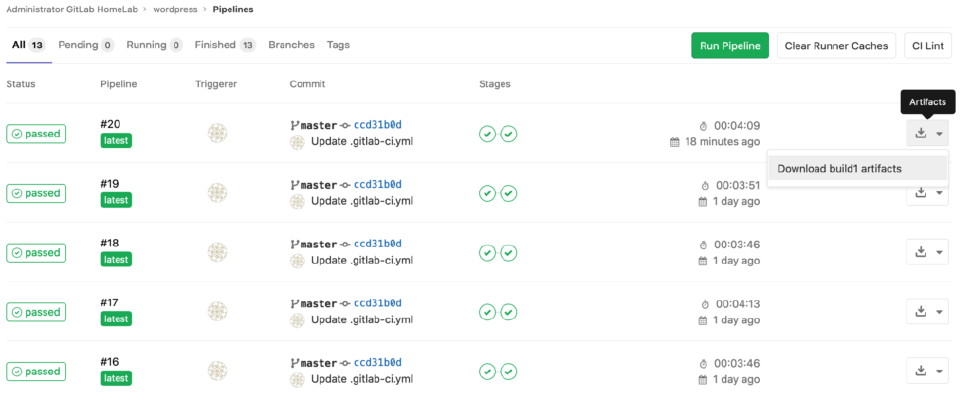 Static web pages load faster and provide less attack surface. I’ll show you how to convert a CMS page via Gitlab Pipline. First, I create a build stage that generates a static copy via wget. uild: stage: build when: always only: - master script: - mkdir static - rm -r .git - wget -k -K -E -r -l 10 -p -N -F --restrict-file-names=windows -nH http://wordpress-adresse/ -P static >> /dev/null 2>&1 || true - find .
-
Difficulty level: Can be done by anyone
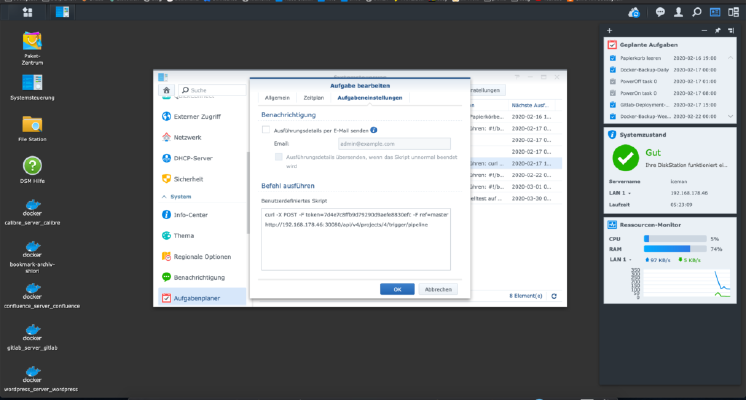 In order to trigger a Gitlab pipeline automatically, a so-called trigger must be created. You can create as many triggers as you want in the project settings. These triggers look like this. Of course, the (placeholders) must be replaced. x – + Terminal $ curl -X POST -F token=(TOKEN) -F ref=(BRANCH) http://(ip):(port)/api/v4/projects/(project-id)/trigger/pipeline This curl call can be entered into the Synology task scheduler, Done!
-
Difficulty level: Not too easy and not too hardIt is incredibly easy to install 104.6 RTL on the Fritzphone. You can then listen to home and garden far Berlin’s Hitradion. Log on to your Fritzbox and select the menu item “Home Network” > Media Server". There you will find under the tab “Internetradio” all stations that are already installed on the Fritzbox. Scroll to the bottom of the page. Please you select “Other Internet Radio Station” under “Add Internet Radio Station”.
-
Difficulty level: It may take a little longer
 If you want to create a page overview image from a PDF file, then you’ve come to the right place! Step 1: Create working folder Use this command to create a temporary working folder: x – + Terminal $ mkdir /tmp/bilder Step 2: Separate page The following command creates an image of each PDF page: x – + Terminal $ convert 716023b632a9cbe6cad3ab368c202288.